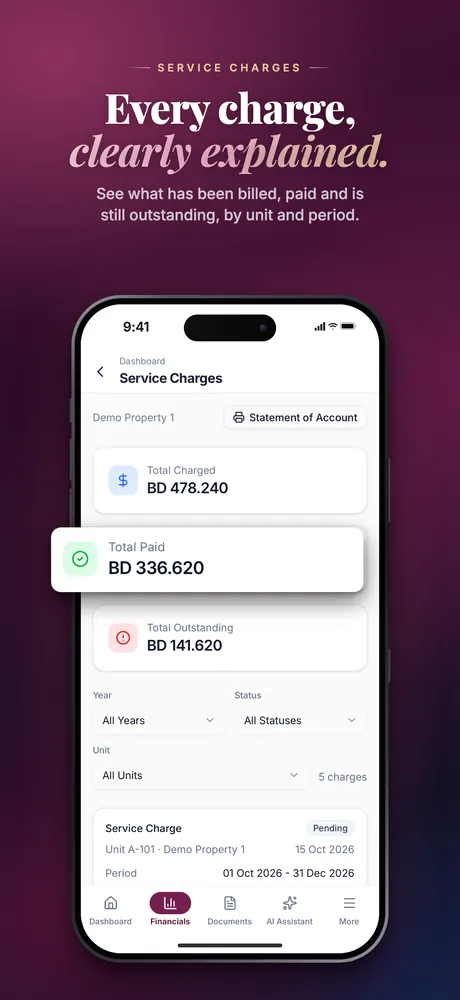
Every charge, by unit and period
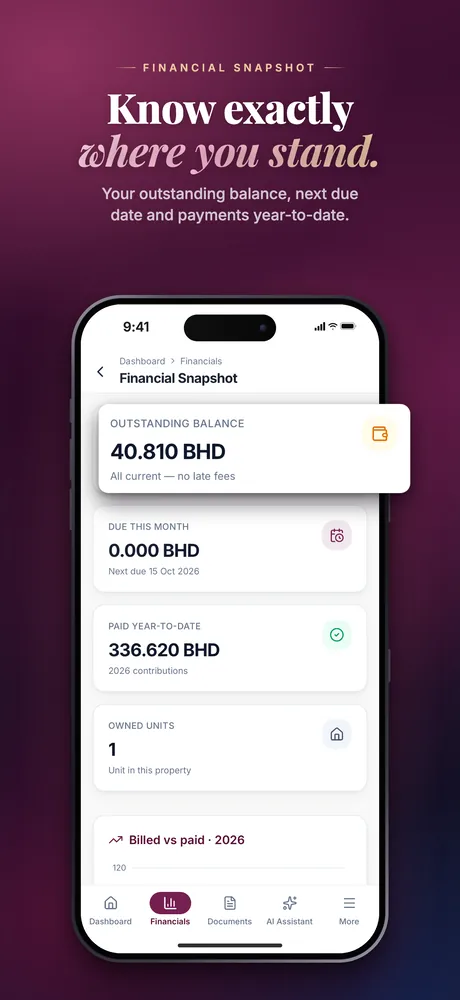
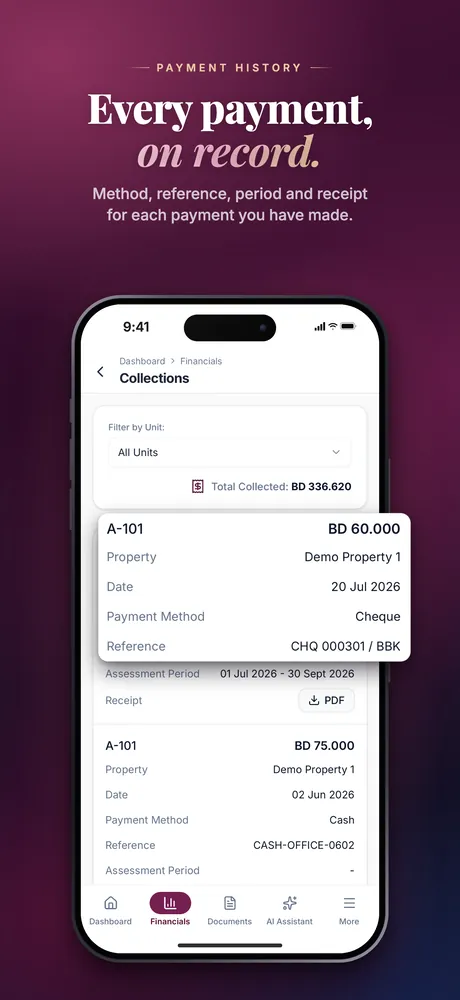
What has been billed, what has been paid and what is still outstanding, with the payment history, a financial snapshot and collections.
Sovereign Owner Portal
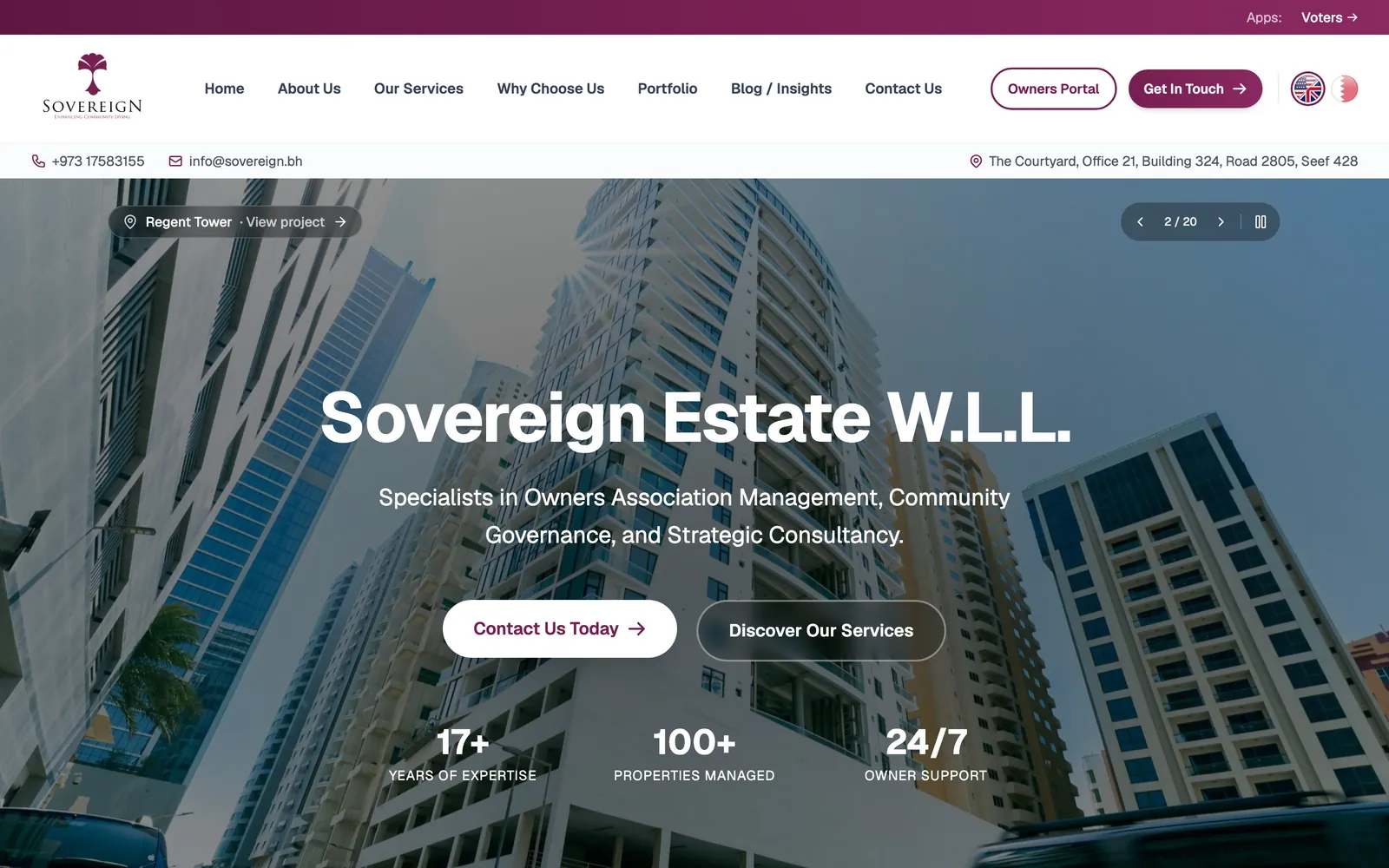
The Sovereign Owner Portal gives owners and board members of properties managed by Sovereign Estate their units, service charges, finances and documents, on the web and in a native iOS and Android app.
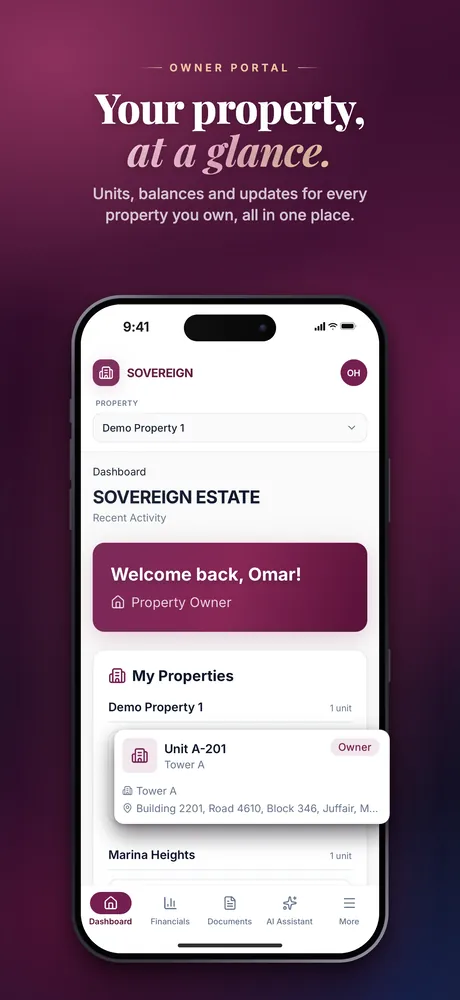
Mobile · App Store
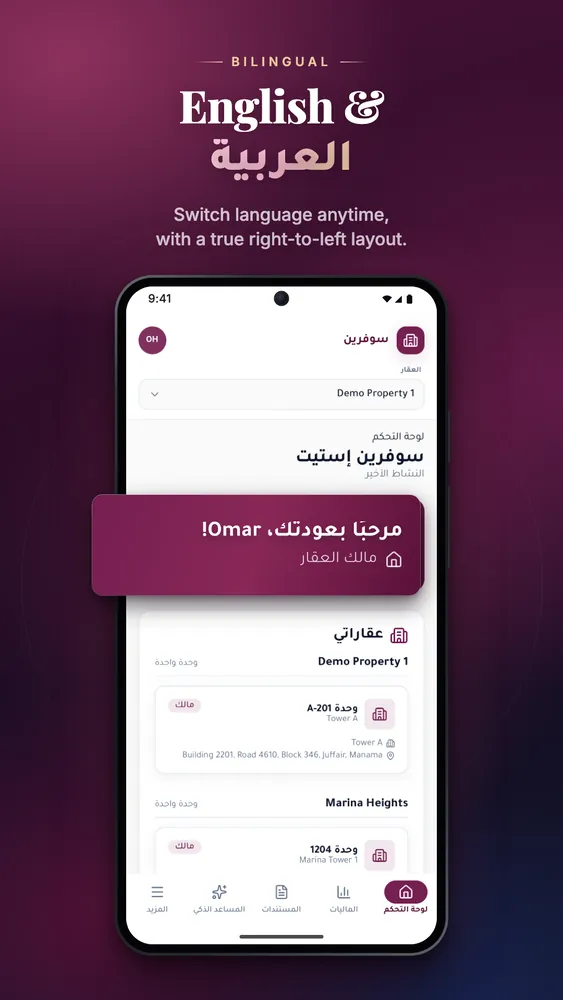
Mobile · Google Play
Inside the app
The same features on the web portal and in the iOS and Android app.
What has been billed, what has been paid and what is still outstanding, with the payment history, a financial snapshot and collections.
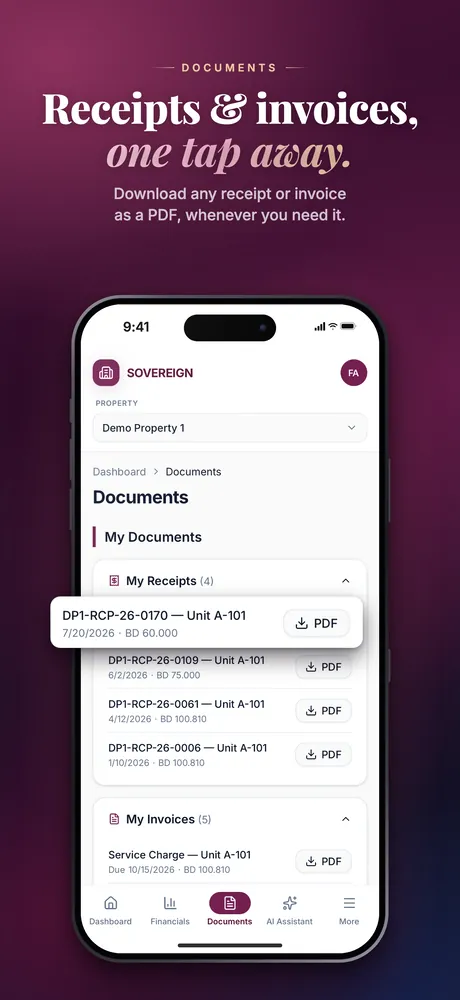
Documents, invoices and receipts download as PDFs, from the web portal and from the app alike.
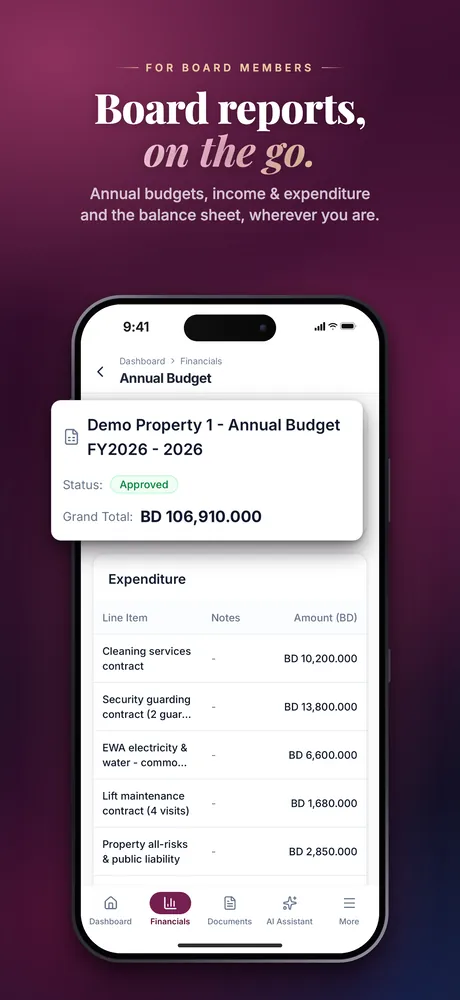
The budget, income and expenditure, the balance sheet and the ledger, next to the owner’s own statements.
It sits in the app’s main navigation, beside the dashboard, financials and documents, and answers questions inside the portal.
One portal, two front ends on the same data. Nothing is web-only or app-only.
Switching to Arabic mirrors the whole layout from right to left. The theme follows the system setting, or the owner picks one.
Store screenshots
The screenshots submitted to the App Store and Google Play, shown as they are.
Mobile screenshots.
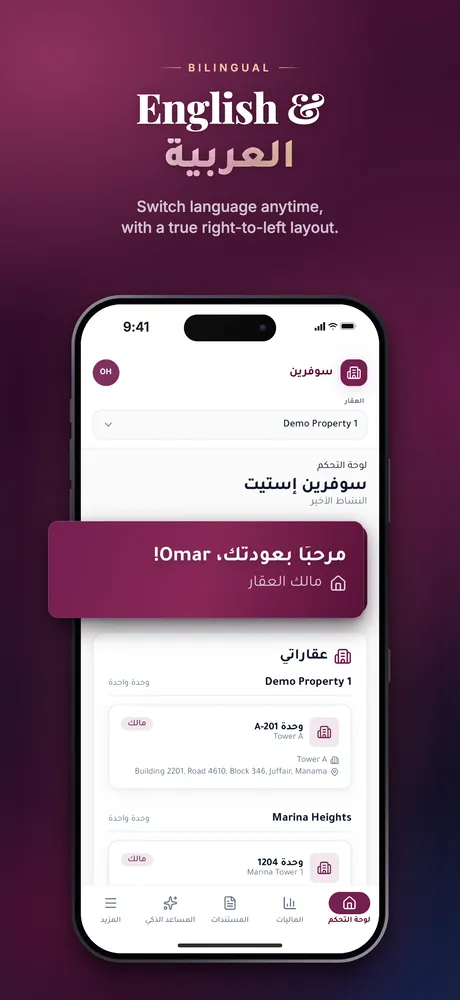
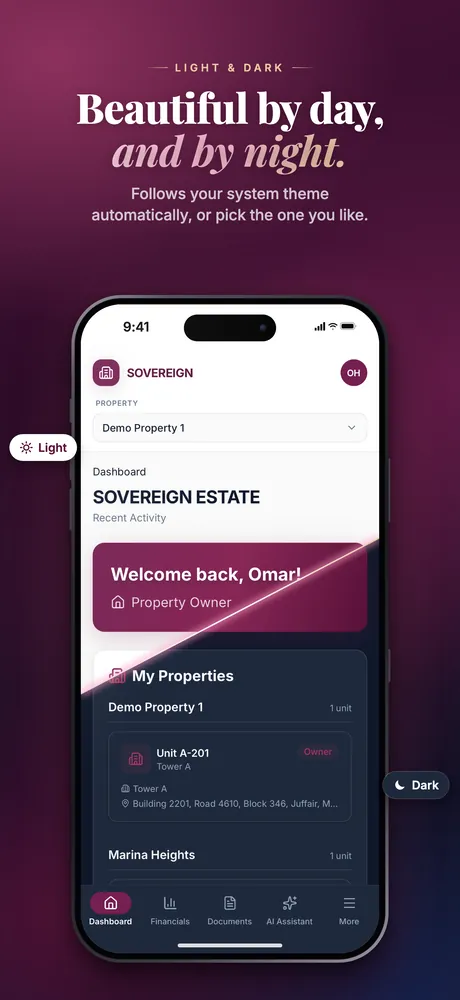
Scroll sideways for more screenshots.
Feature graphic, mobile and tablet screenshots.
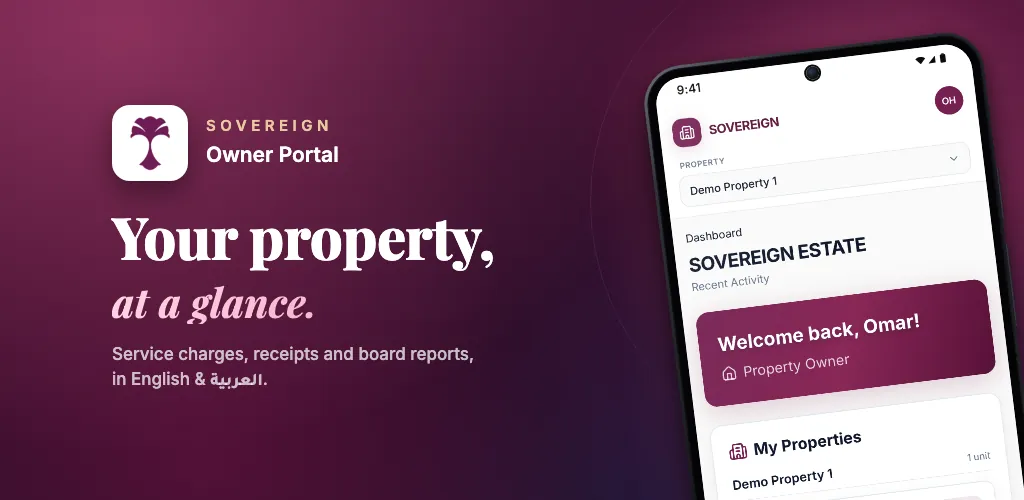
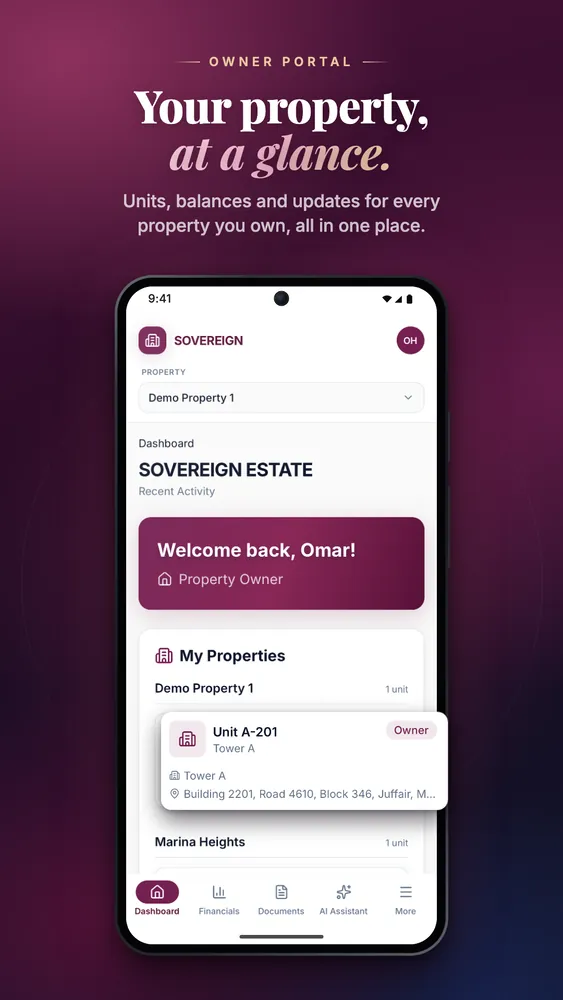
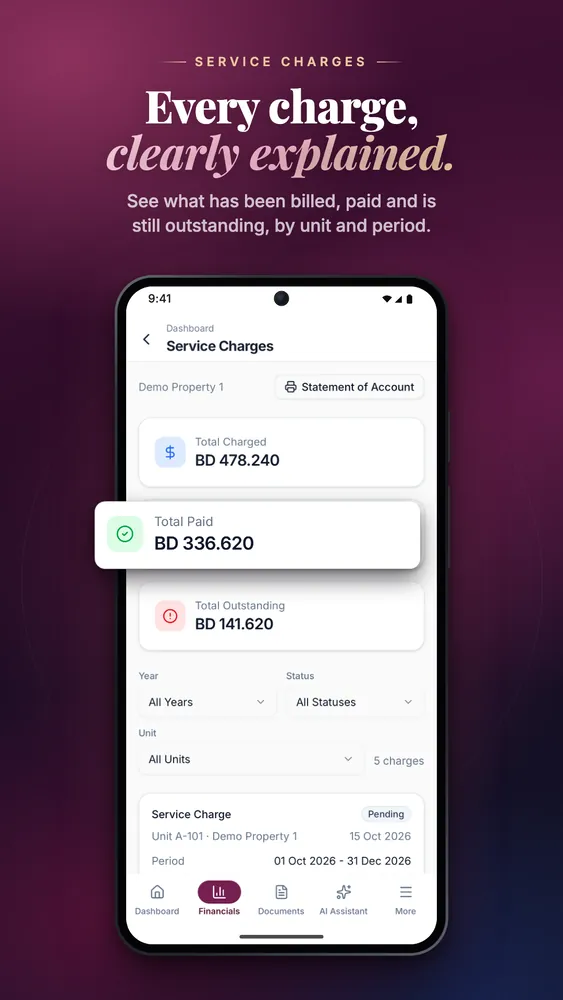
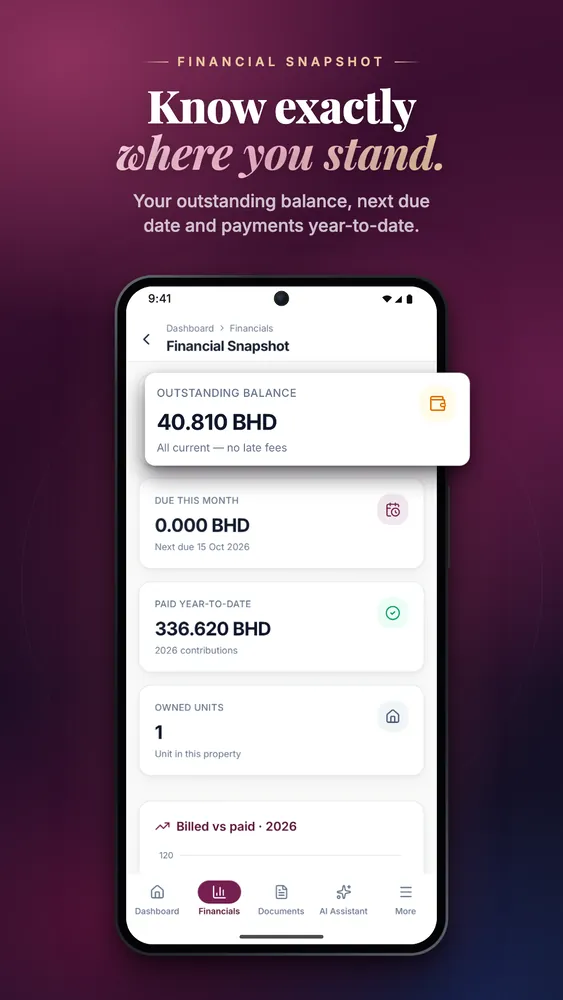
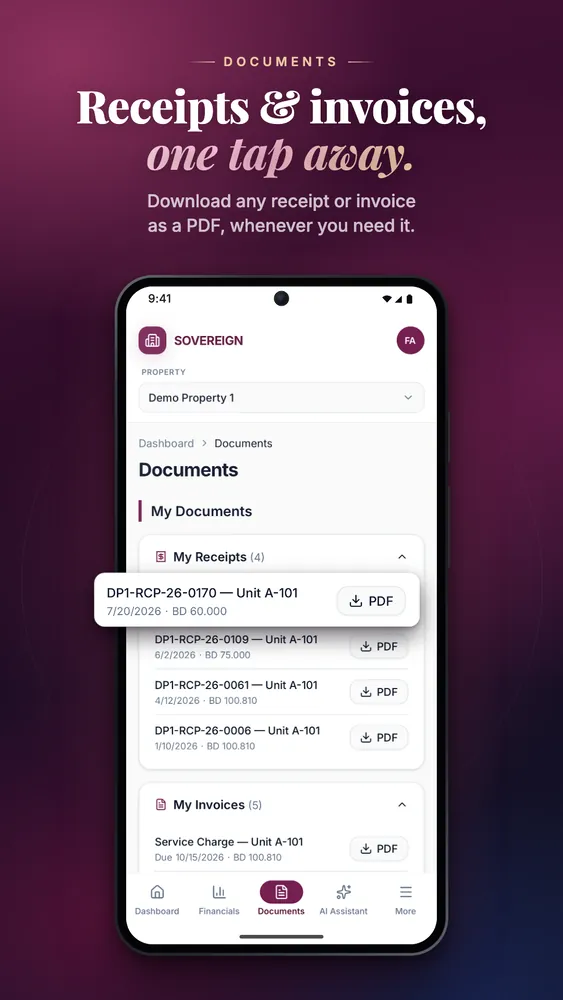
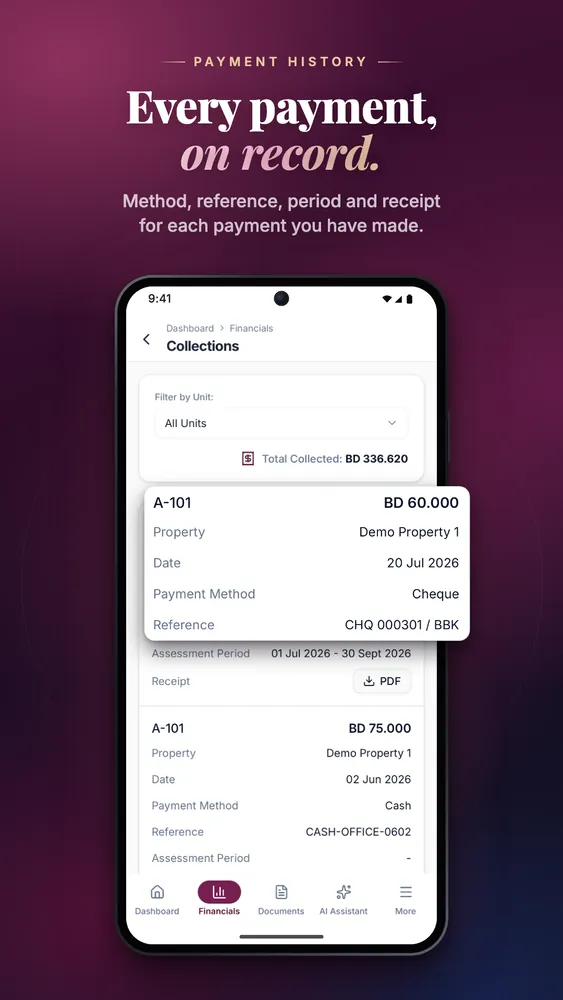
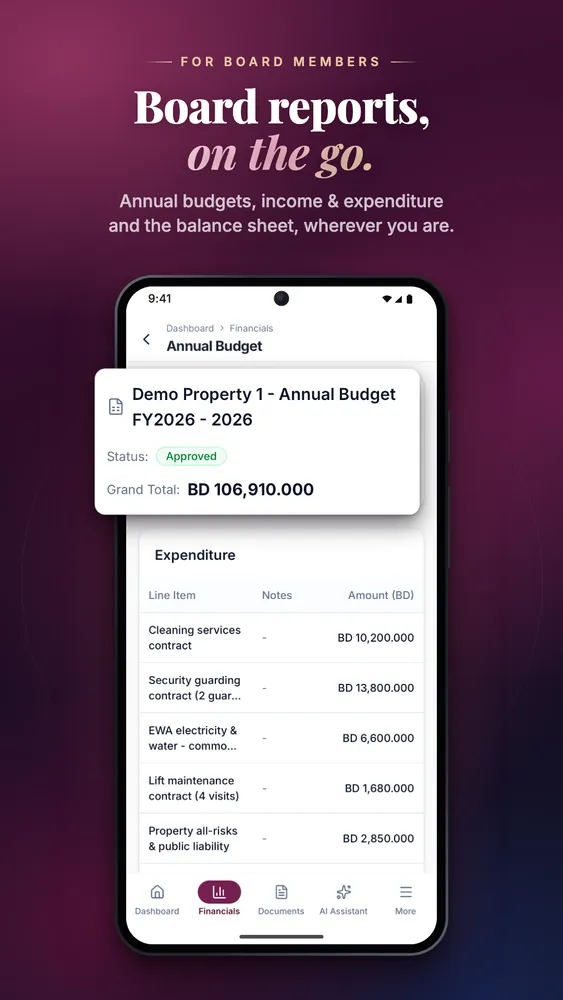
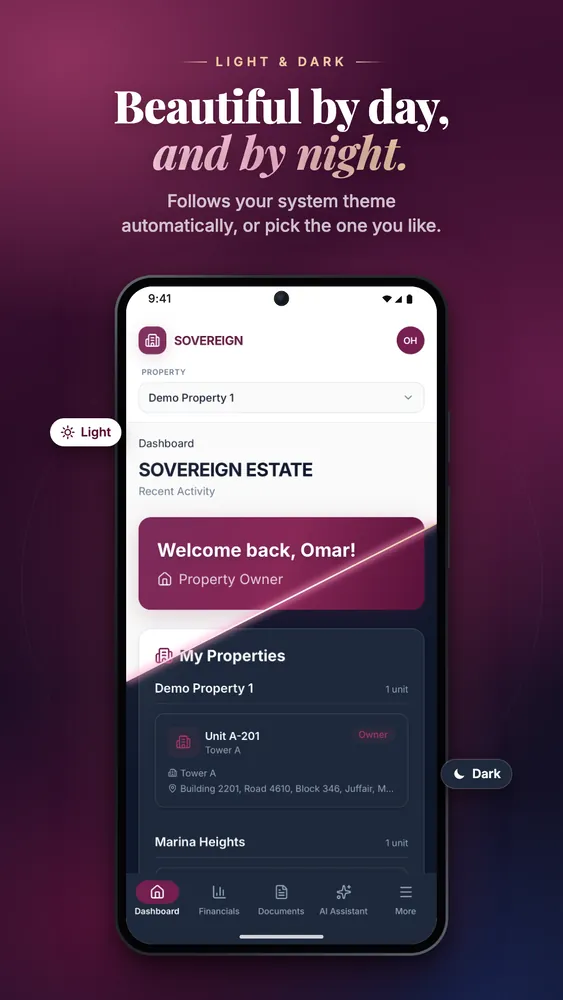
Scroll sideways for more screenshots.
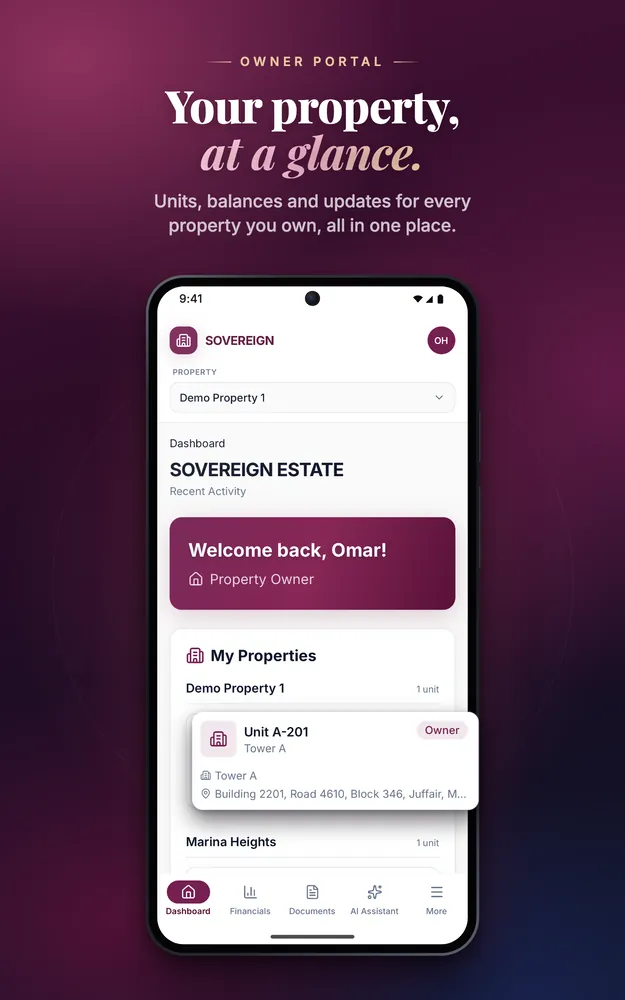
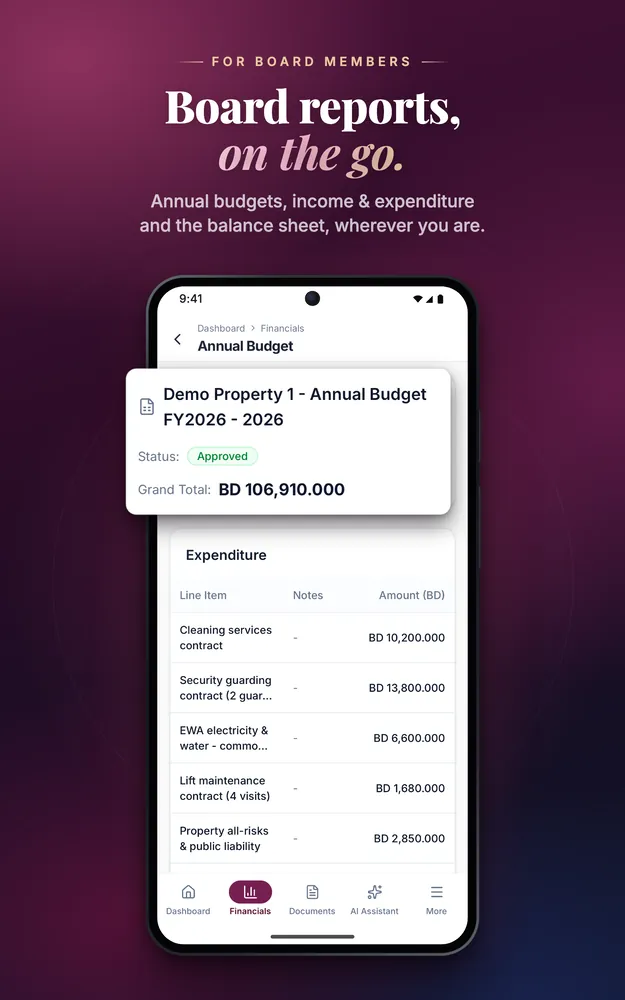
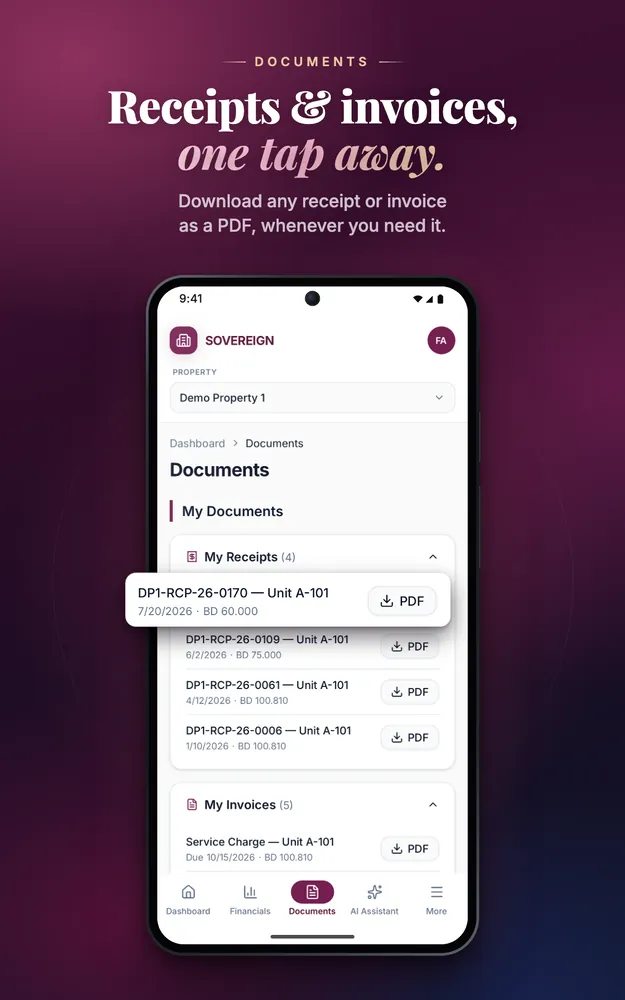
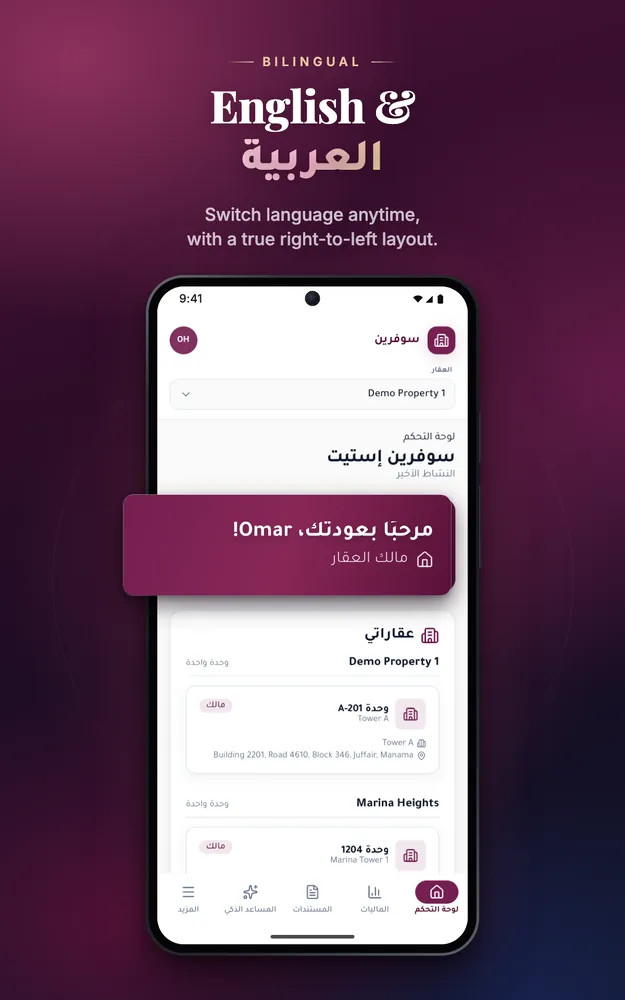
Scroll sideways for more screenshots.
Store screenshots, shown as submitted. All screens use demo data.
Case study
This case study is based on the project’s own information; any outcomes mentioned are not independently measured.
Sovereign Estate manages properties in Bahrain. Azinove built its owner portal as one product with two front ends: a web portal and a native iOS and Android app with full feature parity, both in English and Arabic.
Owners and board members need to know where they stand — what has been billed, what has been paid and how the property’s budget is spent — without asking the management office for each statement. The portal had to work the same at a desk and on a phone, and read as naturally in Arabic as in English.
Azinove built the web portal in Next.js and the native app with Expo and React Native, on the same data and with the same features. Owners and board members see their units, service charges and payment history, a financial snapshot, collections, the budget, income and expenditure, the balance sheet and the ledger. Documents and invoice and receipt PDFs download from either version, and an AI assistant answers questions inside the portal. The interface is bilingual English/Arabic with a full right-to-left layout, in light and dark mode.
Owners and board members get the same portal on the web and on their phones. The native iOS and Android app has been submitted to the App Store and Google Play.
Technology
The stack and the key features behind the project.
Your context
Share the starting point, constraints and decision ahead. We will frame a useful first step.
Direct conversation · No imposed scope · Risks surfaced early